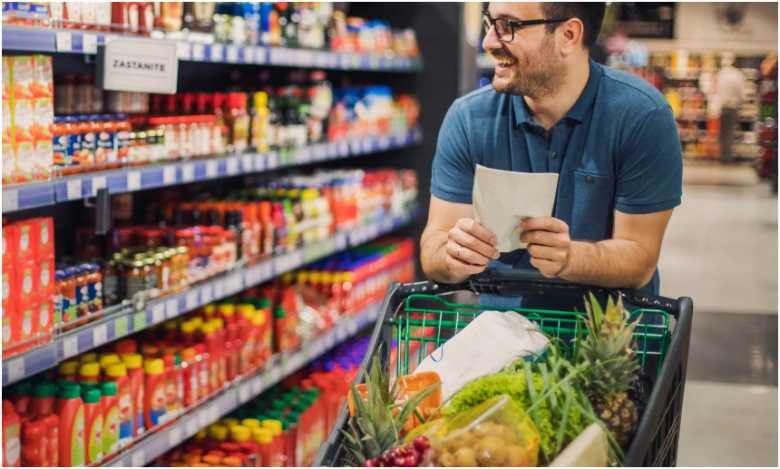
Shopping for myself used to look cheap at checkout and expensive by Friday. I bought oversized produce bags, delicate greens, and ingredients that never became meals. A healthy grocery list for one person on a budget works better when every item is affordable, flexible, and likely to be finished.
I now judge groceries by cost per eaten serving, not package price. That shift cut waste and made my meals easier to repeat.
How to Build a Healthy Grocery List for One Person on a Budget
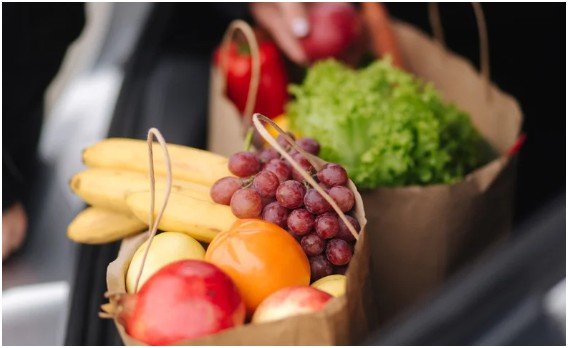
The cheapest package is not a bargain when half ends up in the trash. USDA MyPlate recommends checking what you already have, planning meals, using leftovers, and mixing fresh, frozen, and shelf-stable foods. These habits matter even more when one person must finish every package.
Use the Cost-per-Eaten-Serving Rule
A large tub of spinach may cost less per ounce than a frozen bag. Yet its real cost doubles when half wilts before you eat it.
I compare the price with the number of portions I will realistically use. Eggs, oats, potatoes, frozen vegetables, and canned beans usually perform well because they support several meals.
Make Fresh Food Pass the Three-Meal Test
Before buying a perishable item, I name three meals that will use it. Spinach can go into eggs, pasta, and lentil soup. Greek yogurt can cover breakfast, snacks, and a creamy sauce.
When I cannot name three uses, I buy less, choose frozen, or skip it. This test keeps a healthy grocery list for one person on a budget realistic.
The Master Budget Grocery List for One
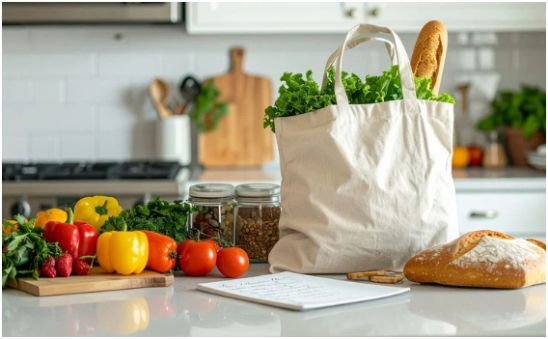
USDA guidance includes varied protein foods and recognizes fresh, frozen, canned, and dried vegetables as useful choices.
Cheap Proteins for Easy Solo Meals
For me, a healthy grocery list for one person on a budget starts with three or four proteins: eggs, canned tuna, lentils, black beans, chickpeas, tofu, peanut butter, cottage cheese, or plain Greek yogurt.
Eggs work in breakfast, fried rice, sandwiches, and soup. Beans can fill tacos, bowls, pasta, and chili. Tofu takes on almost any seasoning. Canned tuna creates a fast lunch without using freezer space.
Avoid buying every protein option in one trip. Choose a small rotation based on the meals you plan to make.
Fresh and Frozen Produce With Less Waste
My dependable fresh choices are bananas, apples, carrots, cabbage, onions, potatoes, and sweet potatoes. They are versatile and usually easier to finish than berries or salad greens.
I also keep frozen broccoli, spinach, peas, mixed vegetables, and berries. Research comparing fresh and frozen produce found that nutrient retention was often similar, although results differed by food and nutrient.
Frozen produce makes a healthy grocery list for one person on a budget easier to portion. I cook what I need and return the rest to the freezer.
Whole Grains and Filling Carbohydrates
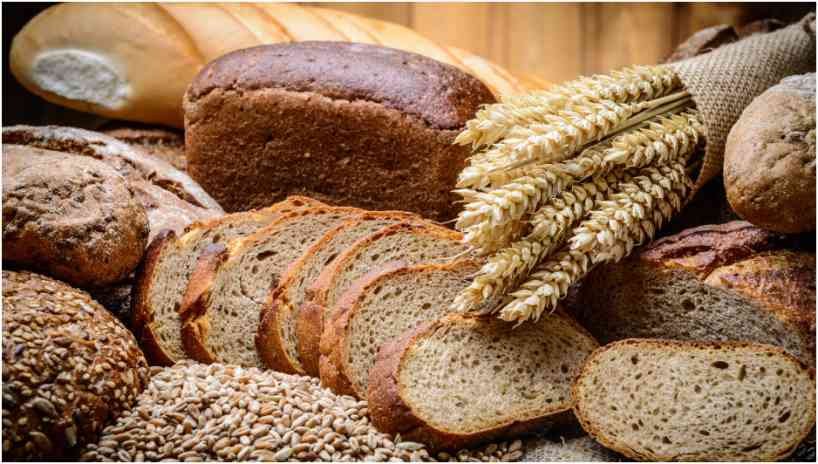
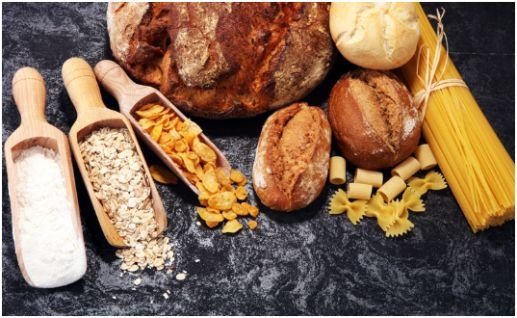
Pick rolled oats, brown rice, whole-wheat pasta, potatoes, tortillas, and one loaf of bread. Keep the selection narrow. Two grain staples plus potatoes are often enough for one week.
Oats cover breakfast. Rice supports bowls, soups, and stir-fries. Pasta works with vegetables, beans, tuna, or tomato sauce.
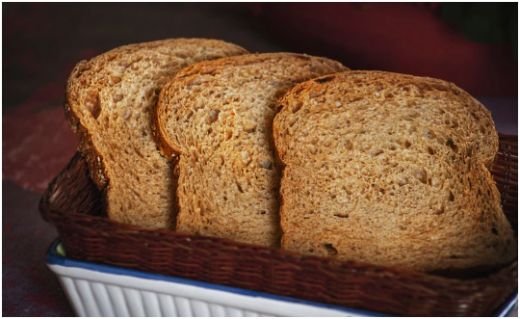
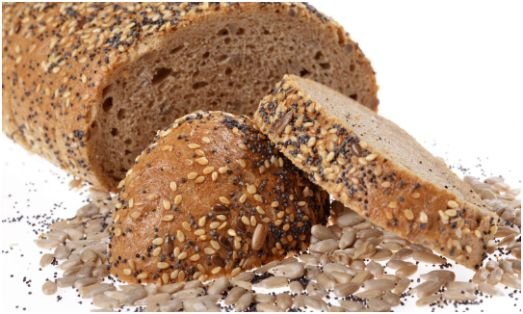
Bread labels can be confusing. Learn to choose whole grain bread at the store before buying a loaf, then freeze half when you know you will not finish it quickly.
Pantry Staples, Healthy Fats, and Flavor
Keep canned tomatoes, broth, peanut butter, cooking oil, vinegar, mustard, and a few spices. Garlic powder, cumin, chili flakes, Italian seasoning, and curry powder create variety without five bottled sauces.
These staples turn the same foods into soup, tacos, pasta, curry, or grain bowls. That flexibility makes a healthy grocery list for one person on a budget sustainable.
Turn One Basket Into a Week of Meals
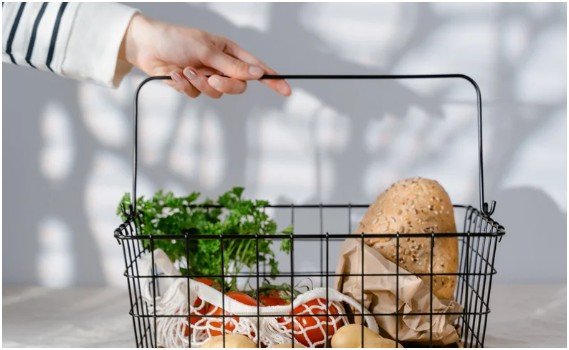
I build meals from four parts: one protein, one vegetable, one filling carbohydrate, and one flavor booster.
Rice, tofu, broccoli, and soy sauce make a stir-fry. Potatoes, eggs, spinach, and chili flakes become a skillet. Pasta, chickpeas, tomatoes, and Italian seasoning create a quick dinner.
For breakfast, I rotate oatmeal with banana and peanut butter, eggs with toast, and yogurt with frozen berries. Lunch is usually leftovers, tuna toast, or a chickpea bowl.
Dinner might be lentil tomato soup, tofu stir-fry, vegetable pasta, bean tacos, or baked potatoes topped with yogurt and beans. This approach gives a healthy grocery list for one person on a budget enough variety without requiring unrelated ingredients.
I cook three or four portions, refrigerate what I will eat soon, and freeze the rest. FoodSafety.gov advises keeping cooked leftovers in the refrigerator for no more than three to four days. Food that will not be eaten within that period should be frozen.
Shop Cheap Without Sacrificing Nutrition
Set a weekly ceiling before choosing recipes. Leave a small cushion for regional price changes or an essential item you forgot.
Compare Unit Prices With Waste in Mind
A healthy grocery list for one person on a budget cannot rely on unit prices alone. Unit prices help compare package sizes, but they do not measure spoilage.
A larger yogurt tub may be valuable when it replaces breakfast, snacks, and sauces. A bulk produce bag may cost more per eaten serving when you live alone.
Buy bulk only for foods you use consistently, such as oats, rice, dried beans, or frozen vegetables.
Choose Store Brands Strategically
Store-brand oats, beans, frozen vegetables, pasta, and spices often meet the same basic need as premium products. Compare ingredient lists and Nutrition Facts instead of treating price as a nutrition score.
Pre-cut fruit, flavored oatmeal packets, and microwave grain cups charge more for convenience. I buy them only when the saved time helps me avoid takeout.
Generic does not automatically mean inferior. Premium packaging also does not guarantee better nutrition.
Freeze Food Before It Looks Tired
I label leftovers, freeze bread in pairs of slices, and portion cooked soup or rice before storing it. The USDA-developed FoodKeeper provides storage guidance that helps preserve freshness and quality.
The best time to freeze extra food is while it still looks appealing. This single habit protects a healthy grocery list for one person on a budget from turning into expensive compost.
Frequently Asked Questions
1. What should one person buy for a week of healthy meals?
Choose three proteins, two grains, five produce items, one dairy option, and a few pantry flavor builders.
2. How much should a healthy grocery list for one person on a budget cost?
Costs vary by location and diet, so set a weekly ceiling and track the cost of food you actually eat.
3. Is frozen produce healthy enough for everyday meals?
Yes. Frozen fruits and vegetables can retain nutrients well while making portions easier to control.
4. How do I stop wasting groceries when I live alone?
Plan ingredient overlap, freeze extra portions early, and buy perishables only when they fit three planned meals.
Your Grocery Cart Does Not Need a Luxury Upgrade
I once thought healthy shopping required premium snacks and a cart full of fresh produce. It does not. A healthy grocery list for one person on a budget succeeds when simple foods become several satisfying meals.
Start with three affordable proteins, two carbohydrates, durable produce, and one frozen vegetable. Plan each fresh item into three meals before checkout. Your budget does not need perfection. It needs groceries you will actually eat.